
Planning Horizon
Drive strategic initiatives with flexible planning time periods.
Having the ability to define a multi-year horizon enables businesses to strategically plan for growth, including market expansion, product development, and diversification. It allows for flexibility and adaptation to changing market conditions, technological advancements, and economic fluctuations.
Plan Time Periods
Define your base units of the time dimension that address your planning needs.
Standard or Custom Fiscal Years
Leverage your CRM Fiscal year configuration to automatically define corresponding planning time periods.
Auto-create additional Periods
Easily create additional plan time periods beyond the initial 5 year timeline during installation
Backlog Year
Specify the year from which you want to enable Backlog calculation. It is important that you have actuals populated for that year.
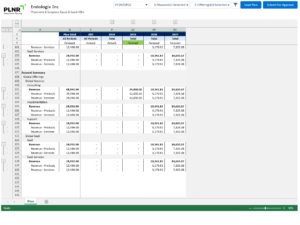
Enable multi-year planning and Rolling Forecasts for your organization.
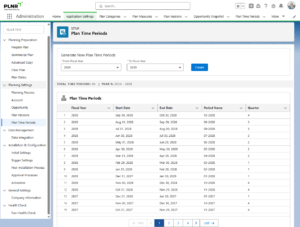
Easily manage your planning time periods.